
Resources > Digital Reset: How to Declutter Your Devices
Digital Reset: How to Clear the Clutter and Refresh Your Devices This Season
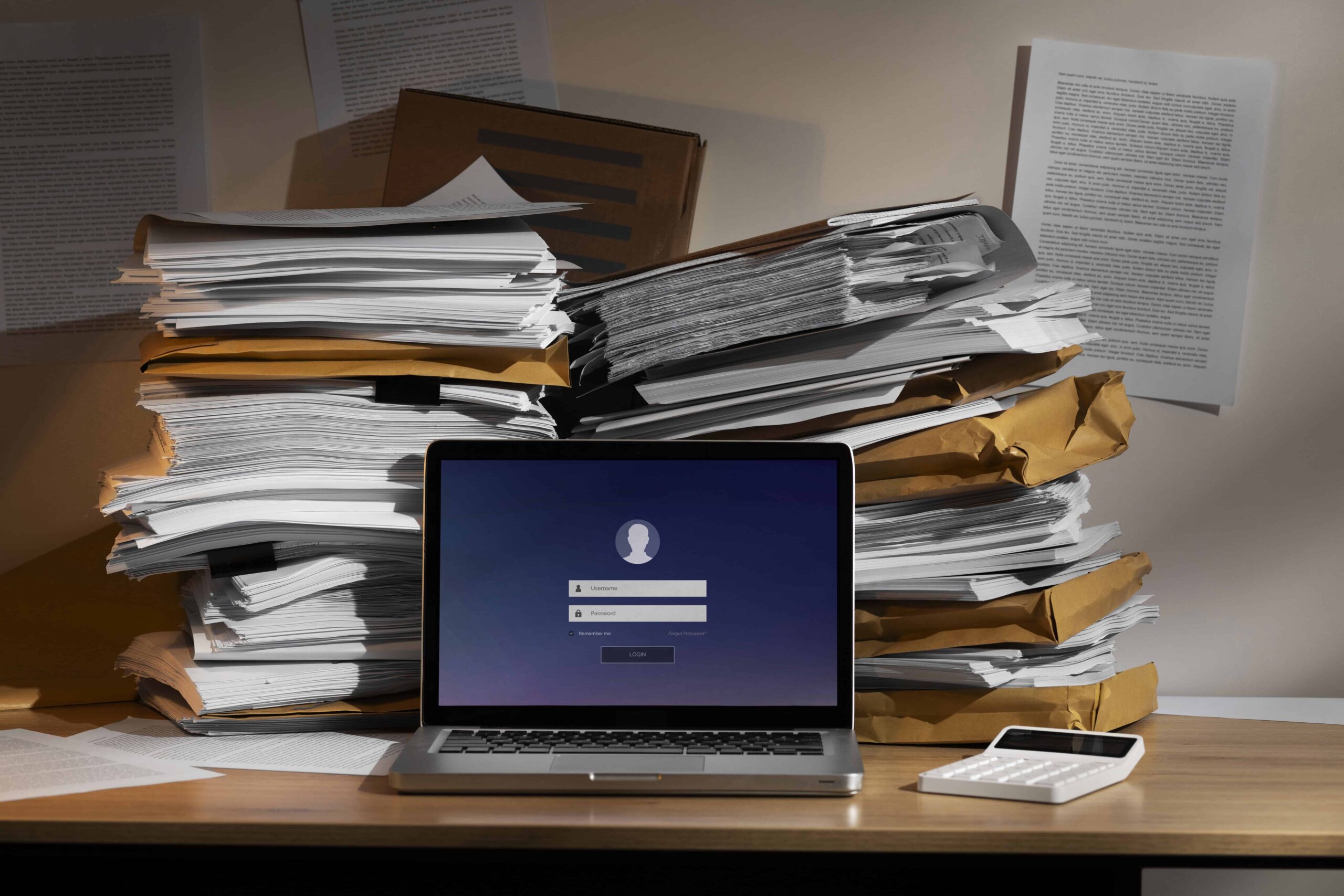
Stack of paperwork and clutter on a desk with a laptop | Credit: Freepik
Introduction
There’s something about this time of year that makes us want a reset. The days get a little cooler, routines start to settle, and it feels like the right moment to get organized. Most of us think about tidying up our homes or offices, but our digital spaces could use the same attention.
Whether it’s a downloads folder that’s become a junk drawer, too many apps you’ve forgotten about, or an inbox that never stops overflowing, digital clutter builds up quietly in the background. Left unchecked, it can slow you down, add stress, and even put your information at risk.
A digital reset doesn’t take much effort. With a few small tweaks, you can make your devices run smoother, strengthen your online security, and enjoy a calmer, more focused season.
The Quiet Build-Up of Digital Clutter
Digital clutter happens the same way household clutter does—little by little. You install an app to try once, then forget about it. You save files “just in case” but never use them again. You subscribe to a newsletter that sounded interesting but haven’t opened it in months.
Before you know it, your digital life feels crowded and disorganized. The costs go beyond inconvenience.
- Slower Devices: Extra files and outdated apps eat up memory and processing power.
- Lost Time: Searching for the right document in a mess of folders adds up.
- Security Risks: Old apps and weak passwords can make you vulnerable to cyber threats.
- Mental Clutter: Just seeing a disorganized inbox or desktop can create stress.
Think of digital clutter like an overflowing junk drawer. It may not seem urgent, but it makes everything else harder to manage.
The Hidden Costs of Digital Clutter
A messy digital environment doesn’t just affect your computer, it also affects your day-to-day productivity and peace of mind.
A McKinsey study found the average worker spends nearly 20% of their workweek looking for information. Digital clutter is a big part of that.
Outdated apps may not have the latest security patches, and forgotten accounts with old passwords could be prime targets for hackers.
Unused files, photos, and apps take up space, leading to lag, crashes, or storage warnings.
Just like a messy desk, cluttered devices can leave you feeling overwhelmed before you even start working.
Simple Steps to a Digital Refresh
You don’t need a complete overhaul, just a few small, consistent habits can make your devices feel new again. Here are five steps to get you started:
1. Clear Out Old Files and Downloads
- Delete duplicates and files you no longer need.
- Move important items into clearly labeled folders.
- Use cloud storage like OneDrive, Dropbox, or Google Drive to free up device space while keeping files accessible.
2. Review and Refresh Your Passwords
- Update old passwords—especially for email, banking, or work accounts.
- Use strong, unique passwords (a mix of letters, numbers, and symbols).
- Consider a password manager like 1Password, LastPass, or Bitwarden to simplify logins and boost security.
3. Check Your Backups
- Make sure your important files and photos are backed up either to the cloud or an external hard drive.
- Double-check that your backups are current and actually accessible (many people back up once and never verify it worked).
- For businesses, ensure critical data is stored securely and complies with Canadian privacy standards.
4. Unsubscribe and Unfollow
- Clean your inbox by unsubscribing from newsletters you never read.
- Use tools like Unroll.Me or Gmail’s “unsubscribe” button to cut down on junk.
- Audit your social media feeds—unfollow accounts that no longer add value.
5. Audit Your Apps
- Delete apps you don’t use.
- Update the apps you keep to the latest version for security and performance.
- On mobile devices, reorganize apps into folders so your home screen feels less cluttered.
Tools and Tips to Stay Organized
A few tools and strategies can make digital maintenance easier:
- Services like Microsoft OneDrive and Google Drive sync files across devices, keeping everything backed up and organized.
- Tools like Hudu or 1Password securely store and auto-fill passwords so you don’t have to remember them all.
- Use external drives with automatic backup features, or enable scheduled backups with services like Backblaze.
- Set up email filters to automatically sort newsletters, invoices, or client messages.
- Schedule 30 minutes once every few months to tidy files, update passwords, and check backups.
Why It’s Worth It
Spending just a little time decluttering your digital life can pay off in big ways. With a cleaner setup, you’ll work more efficiently, spending less time searching for files or waiting for devices to load. Stronger passwords and updated apps reduce vulnerabilities, giving you greater security. A tidy inbox and organized desktop also bring peace of mind, helping to cut down on stress and distractions. And because clean devices often run better and last longer, you’ll save money on replacements in the long run. Technology should make life easier, not more stressful, and by resetting your digital space now, you’re setting yourself up for a season that’s calmer, more productive, and more secure.
Your Seasonal Digital Reset
Think of this as spring cleaning for your devices. You don’t need to do it all at once, just start small. Clear your downloads folder, update your passwords, or unsubscribe from a few emails.
Each small step makes your digital life lighter and more manageable. Over time, you’ll notice the difference: faster devices, better focus, and less stress.
So, set aside 15 minutes this week for your digital reset. Future you will thank you.
Free Download: Digital Declutter Checklist
Want an easy way to put these steps into action? We’ve created a simple one-page Digital Declutter Checklist you can download and use as a guide.
- Clear old files and downloads
- Refresh passwords
- Check backups
- Unsubscribe and unfollow
- Audit your apps
Keep it handy for your next seasonal reset—whether you’re cleaning up at home, at work, or on the road.
Download the Digital Declutter Checklist (PDF)